AI Game Development: Tools, Workflows, and Real Limits
· #game development #artificial intelligence #indie gamedev #ai tools #game assets
Discover how to integrate artificial intelligence into your game development workflow. Explore practical tools, workflow strategies, and the technology's real limits.
Artificial intelligence has shifted from a futuristic promise to a transformative reality in the video game industry. For solo developers and indie studios, the prospect of accelerating creation processes, generating visual ideas in seconds, and resolving complex bugs with code assistants is tempting. However, integrating AI into game development requires strategy, discernment, and a clear understanding of how far the tools can actually go.
In this article, we will explore how you can use artificial intelligence in a practical, pragmatic way within your workflow by analyzing the main available tools, proposing efficient pipelines, and highlighting the technical and legal limits that every gamedev needs to know.
The Role of Artificial Intelligence in Modern Gamedev
In today's landscape, artificial intelligence acts as a highly efficient copilot. It does not replace creative vision or core software engineering, but it drastically reduces time spent on repetitive tasks or the ideation phase.
While AAA studios use proprietary models for rendering optimization and advanced NPC behavior, independent developers find generative AI to be a unique opportunity to balance project scope. The key to success is not trying to make the entire game via prompts, but identifying production bottlenecks and applying the right tool at the ideal moment.
Essential AI Tools for Indie Developers
There are several solutions on the market focused on different stages of game production. Below, we highlight the main categories and tools that can supercharge your productivity.
1. Code and Scripting Assistants
Writing scripts for game mechanics, inventory systems, or pathfinding algorithms can consume dozens of hours. Tools based on Large Language Models (LLMs) have become indispensable allies:
- GitHub Copilot / ChatGPT / Claude: Excellent for generating code snippets in C#, GDScript, or C++, explaining console errors, refactoring algorithms, and creating complex mathematical functions.
- Cursor: An AI-focused code editor that understands the full context of your project, making large-scale navigation and fixes easier.
2. Concept Art Generation and Moodboards
For visual design, AI is unbeatable during pre-production:
- Midjourney and Stable Diffusion: Ideal for exploring art styles, color palettes, environment design, and character concepts before starting final asset production.
- Leonardo.ai: Offers models tuned for game assets, allowing greater control over visual style and simple texture generation.
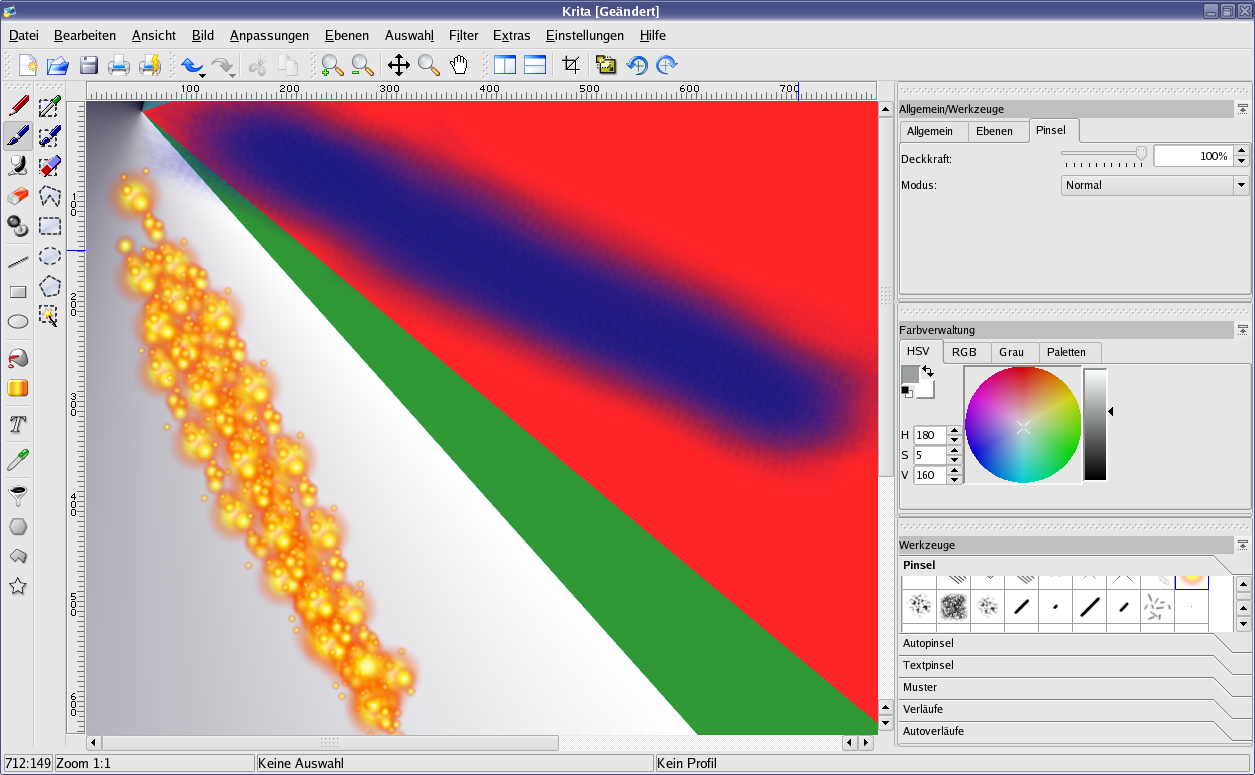 Krita is an excellent open-source tool for tweaking and painting over AI-generated ideas. — Image: Wikimedia Commons · GPL · Wikimedia Commons
3. Audio, Voice, and Sound Effects Synthesis
- ElevenLabs: Allows creating temporary or final voiceovers for prototypes with natural intonation and multi-language support.
- Suno / Udio: Useful for generating background music tracks during prototyping and atmosphere testing for levels.
Practical Workflow: From Concept to Prototype
To make the most of AI without losing quality control over your game, establishing a structured workflow is essential. Here is a step-by-step approach:
Step 1: Ideation and Documentation (GDD)
Use text generative AI to organize your ideas in your Game Design Document (GDD). Ask questions about stat balancing, difficulty curves, and side quest ideas. Treat AI as a teammate for brainstorming sessions.
Step 2: Rapid Mechanics Prototyping
Use code assistants to create functional prototypes of core mechanics. Ask for character movement script examples, double-jump logic, or basic enemy AI. The goal here is to validate the gameplay loop as quickly as possible.
Step 3: Visual Definition and Asset Production
Generate reference images to guide the game's art direction. However, when moving to the production phase of final game elements, AI often encounters rigid barriers.
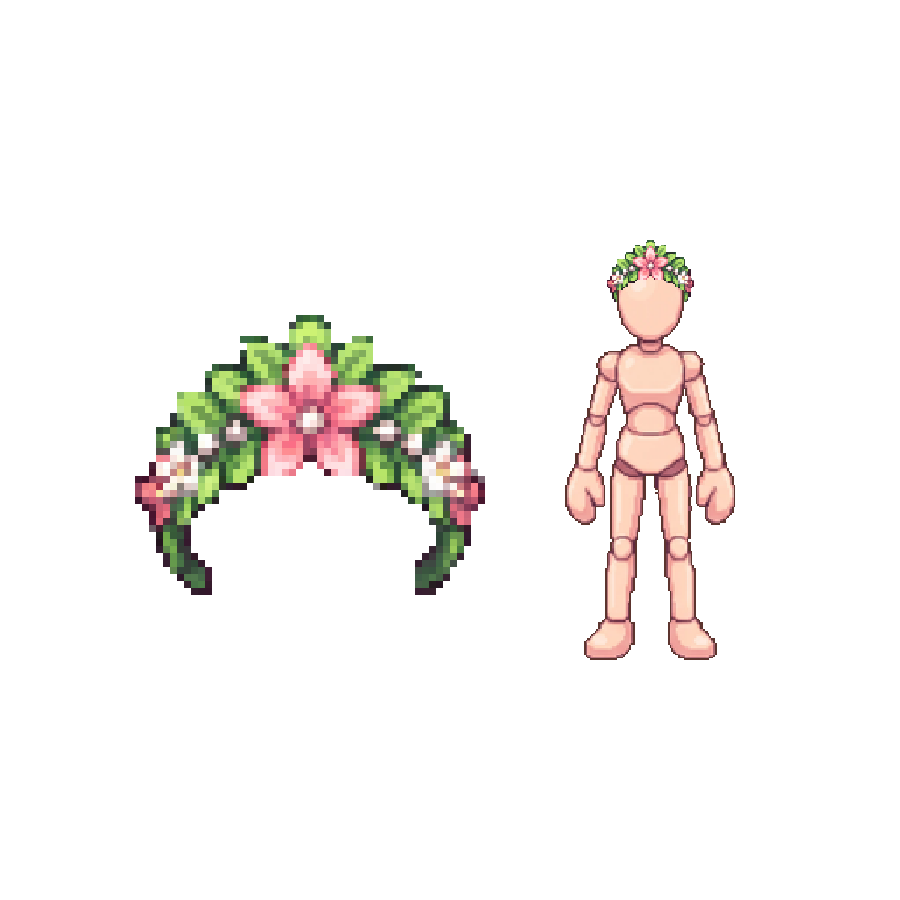
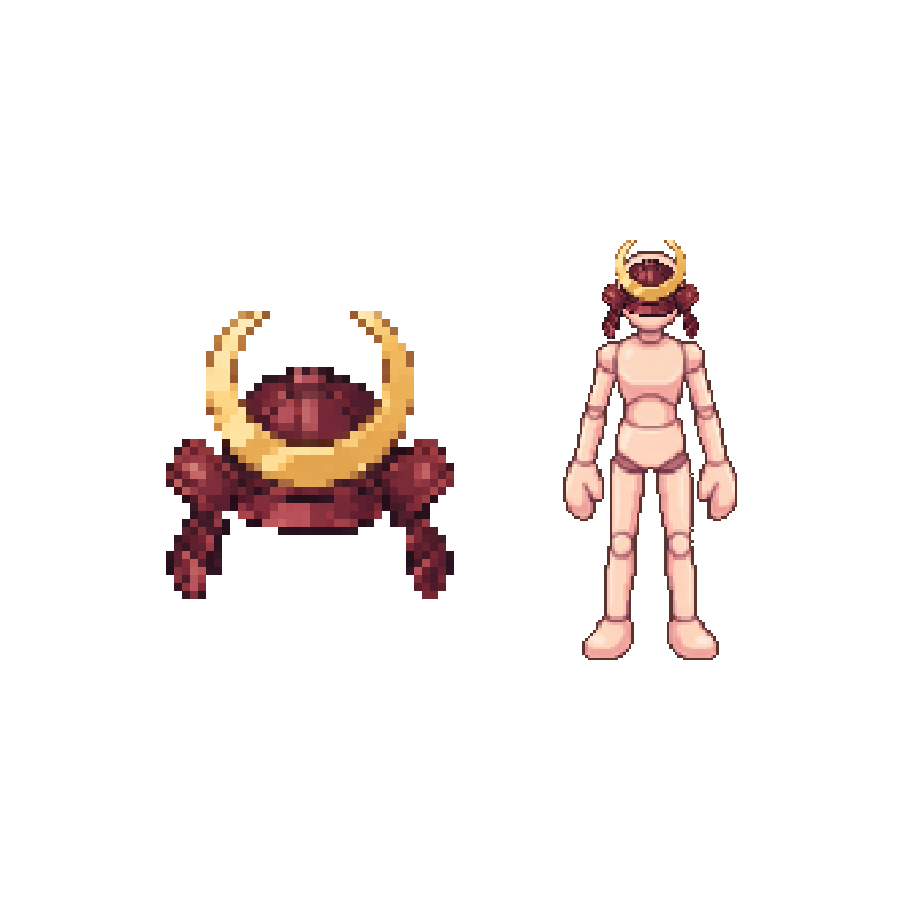
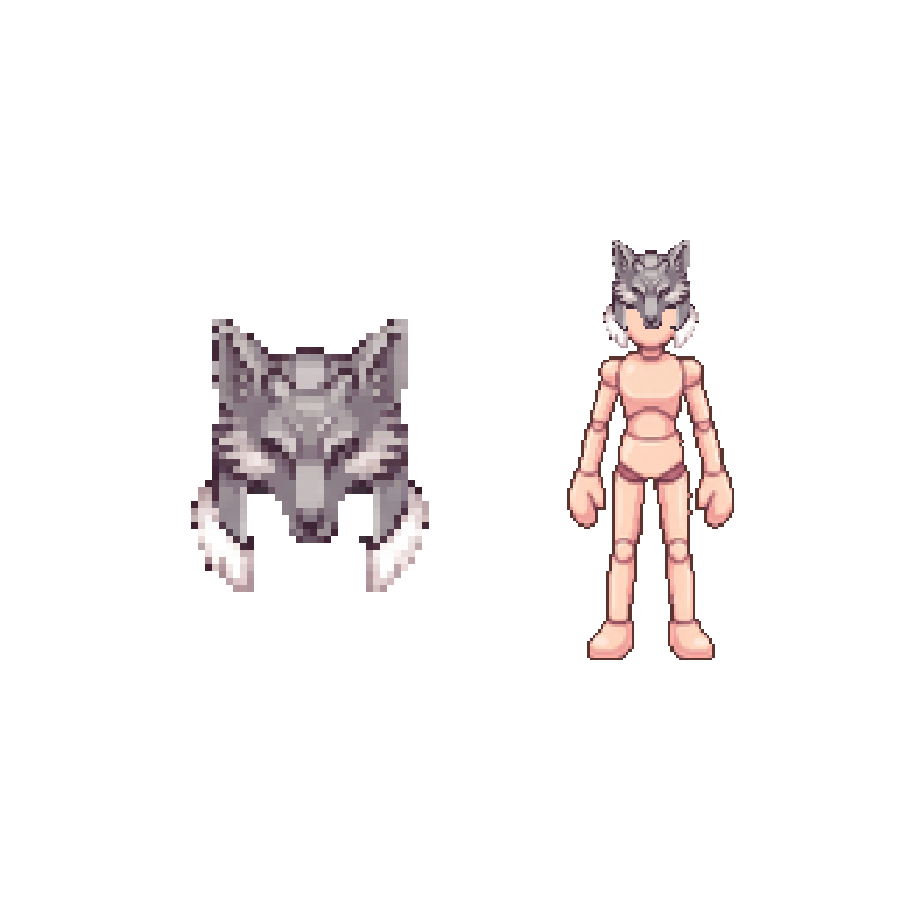
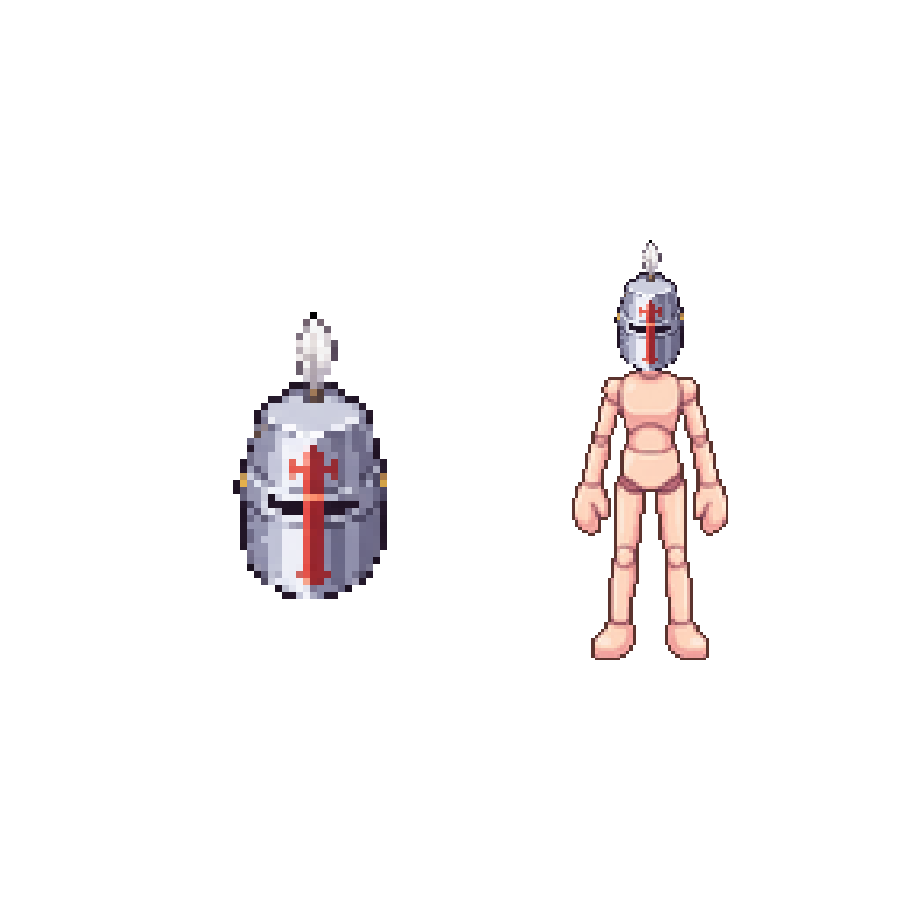
While AI helps generate incredible concepts, trying to create all frame-by-frame 2D animations or complex 3D models via prompt often results in visual inconsistencies and wasted time fixing artifacts. That is why many creators choose to use ready-made asset packs crafted by professional artists—such as standardized spritesheets, seamlessly tileable tilesets, and optimized 3D models. Combining rapid AI prototyping with high-quality asset packs ensures efficiency without sacrificing the professional finish of the final product.
AI Limitations and Pitfalls for Creators
Despite impressive advances, artificial intelligence has serious limitations that can compromise development if not identified in time.
Visual Inconsistency and 2D Animation
Generating a single static sprite with AI is easy. The problem arises when trying to create a complete animation sequence (walk, attack, jump) for that same character. Current generative AI struggles to maintain consistent proportions, lighting, and detail frame by frame.
3D Topology and Optimization
When generating 3D models via AI, the resulting files frequently feature messy meshes, high counts of irrelevant polygons, and disorganized UV maps. This requires considerable manual work in Blender or equivalent software for retopology and character rigging, undoing much of the expected time savings.
 Topology adjustment and model rigging in Blender remain essential for 3D production. — Image: Pignol23 · CC BY-SA 3.0 · Wikimedia Commons
Copyright and Legal Aspects
Legislation regarding the use of AI-generated art is still evolving globally. Platforms like Steam require developers to disclose the use of AI tools in their games and prove that generated materials do not infringe on third-party copyrights. Relying 100% on AI-generated content can introduce legal uncertainty at commercial launch.
Conclusion: Finding the Perfect Balance
Artificial intelligence is an extraordinary addition to a game developer's arsenal, offering an unprecedented boost in prototyping speed, bug fixing, and visual concept exploration. However, it should be viewed as a support tool rather than a silver bullet for all production stages. The secret to releasing memorable, optimized games lies in balance: leverage AI to accelerate ideation and routine coding, but rely on the technical precision of carefully crafted game assets and the human touch to bring life, consistency, and identity to your project.