
AI in Game Development: Best Tools and Practical Limits
· #game development #artificial intelligence #game dev #indie games #game dev tools
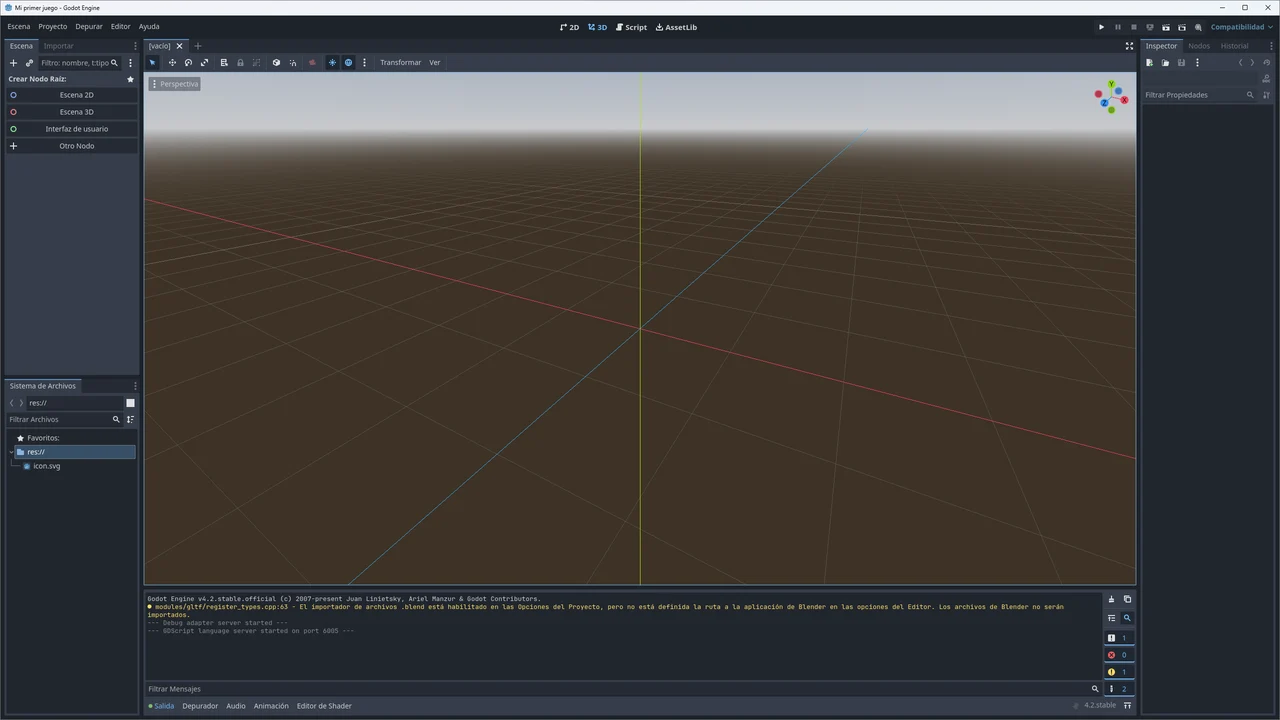
Discover how to integrate AI into indie game development, exploring essential tools, hybrid pipelines, and real technical bottlenecks.
The rapid rise of generative artificial intelligence has dramatically transformed workflows for independent game creators. For solo developers and small studios, the promise of automating repetitive tasks, speeding up scriptwriting, and accelerating mechanic prototyping sounds like the ultimate solution for shipping ambitious projects with lean teams.
However, turning text prompts into a functional, polished game is far from an automatic process. AI cannot build a complete game at the click of a button; it functions as a technical and creative copilot. To leverage this technology without falling into productivity traps, you need to master the right tools, build a disciplined pipeline, and clearly understand where automation falls short.
The Role of AI in Modern Game Design
In the current indie development landscape, artificial intelligence shines brightest as a catalyst during early production stages. Rather than replacing the developer, neural models help eliminate creative block and speed up experiments that previously took weeks of manual work.
1. Ideation and Worldbuilding
Large language models (LLMs) make excellent brainstorming partners for refining game mechanics, outlining dialogue trees, and fleshing out fictional lore. They effortlessly generate NPC profiles, detailed item descriptions, and side-quest variants, adding narrative depth to your game universe.
2. Prototyping and Code Generation
For developers coding in engines like Godot (using GDScript or C#) or Unity, code assist tools are remarkably effective. They speed up the implementation of data structures, character state machines, local save systems, and mathematical routines for projectile trajectories or procedural movement.
Essential Tools in the Developer's Arsenal
Integrating AI requires choosing tools that slot into your game engine without introducing unnecessary friction. The most widely adopted solutions fall into three key pillars:
- Coding Assistants (GitHub Copilot, Cursor, Claude): Help complete logical blocks, refactor legacy code, identify memory leaks, and write complex algorithms for collision calculations and A* pathfinding.
- Concept Art Generators (Midjourney, Stable Diffusion): Ideal for early pre-production when exploring color palettes, monster silhouettes, environment architecture, and conceptual lighting.
- Audio Generators and Editors (ElevenLabs, Sonauto, Audacity with AI plugins): Streamline temporary voiceover (scratch VO) generation to dial in cinematic timing, as well as producing ambient sound textures and basic foley.
The Hybrid Pipeline: Structuring Your Production Workflow
The secret to saving time when making games with AI is adopting a hybrid pipeline. This approach combines rapid machine ideation with the non-negotiable consistency of manual craft and dedicated asset libraries.
 Blender remains an indispensable tool for fixing topology and rigging 3D models. — Image: Pignol23 · CC BY-SA 3.0 · Wikimedia Commons
Step 1: Briefing and Concept Sketching
During this phase, AI helps answer critical questions: What is the visual theme? What are the boss archetypes? Use image generators to build moodboards and LLMs to flesh out stat baselines for character classes.
Step 2: Core Logic Implementation
Use programming assistants to scaffold the player character's state machine (walk, jump, attack, dodge). In Godot, for instance, an assistant can quickly set up animation nodes paired with clean scripts, speeding up gameplay test cycles using greybox geometry.
Step 3: Visual Polish and Asset Integration
Raw AI-generated images are rarely production-ready. They lack separate layers, do not align to pixel grids, and frequently contain visual artifacts. This is where hands-on work in software like Krita, GIMP, or Blender comes in to clean up cuts, rebalance palettes, and fix silhouettes.
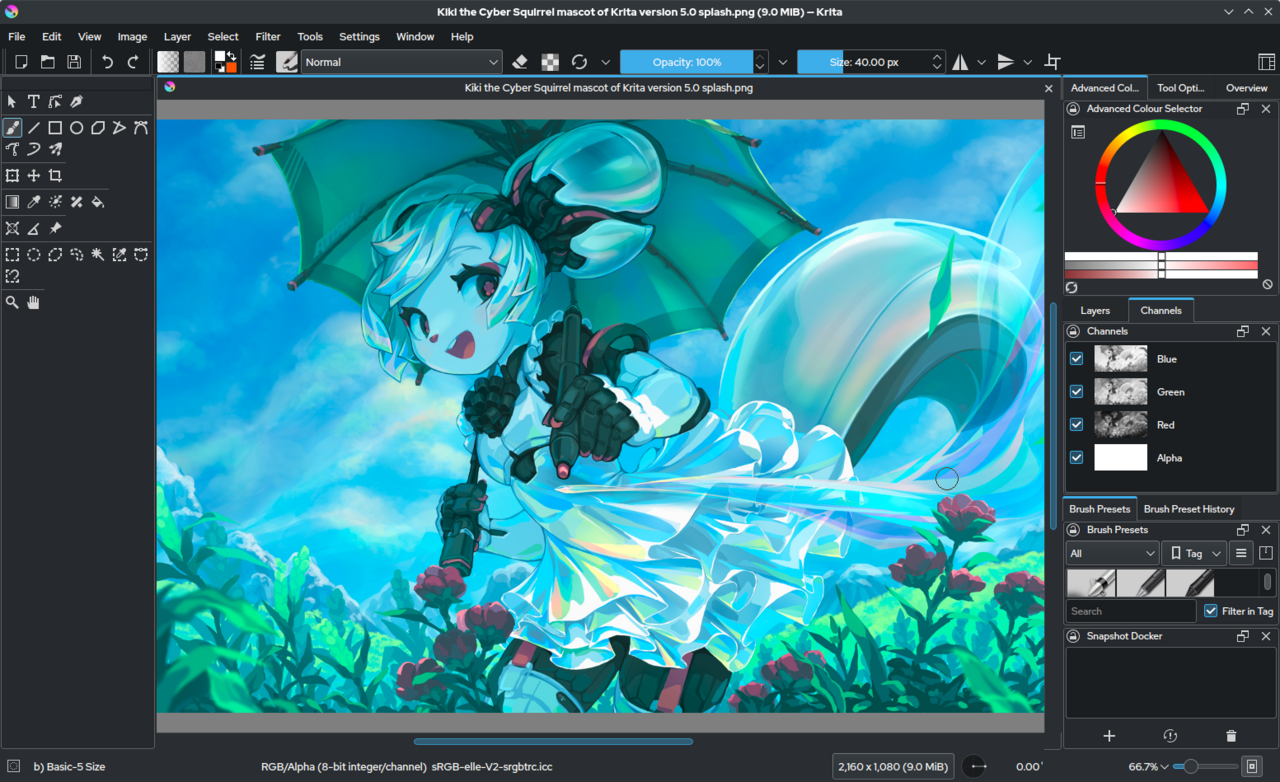 Image editors like Krita are essential in a hybrid pipeline for touching up art and fixing visual inconsistencies. — Image: Software: KDE and developers Content: Tyson Tan Screenshot: VulcanSphere · CC BY-SA 4.0 · Wikimedia Commons
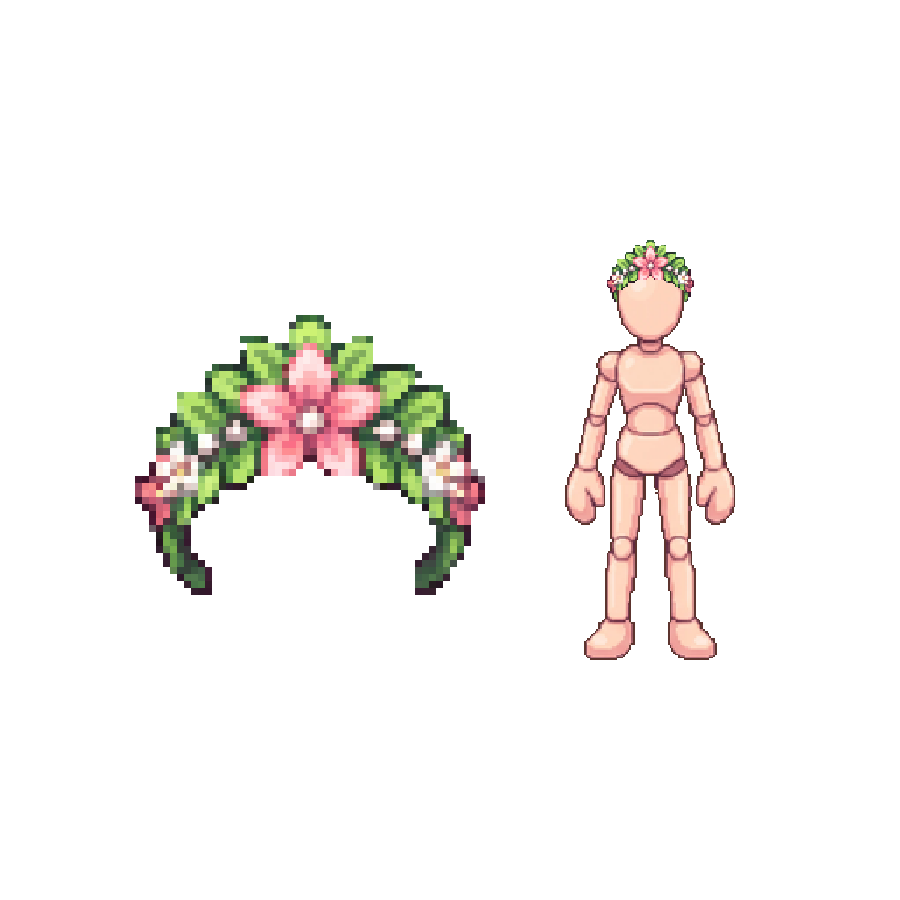
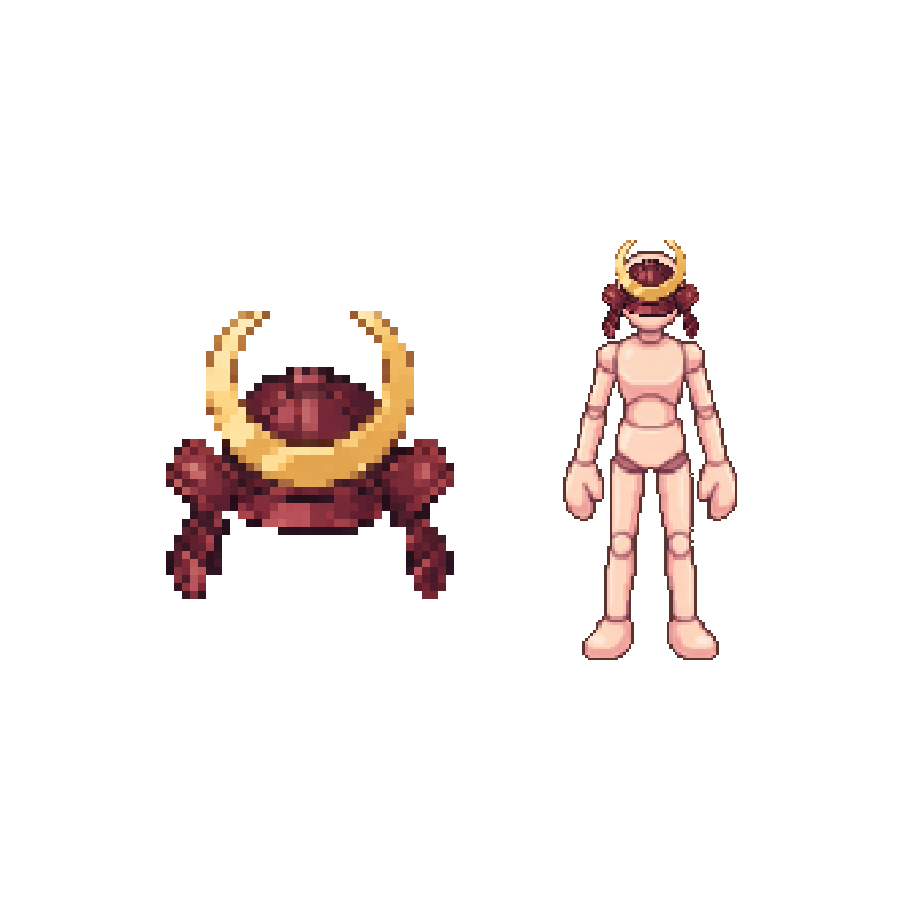
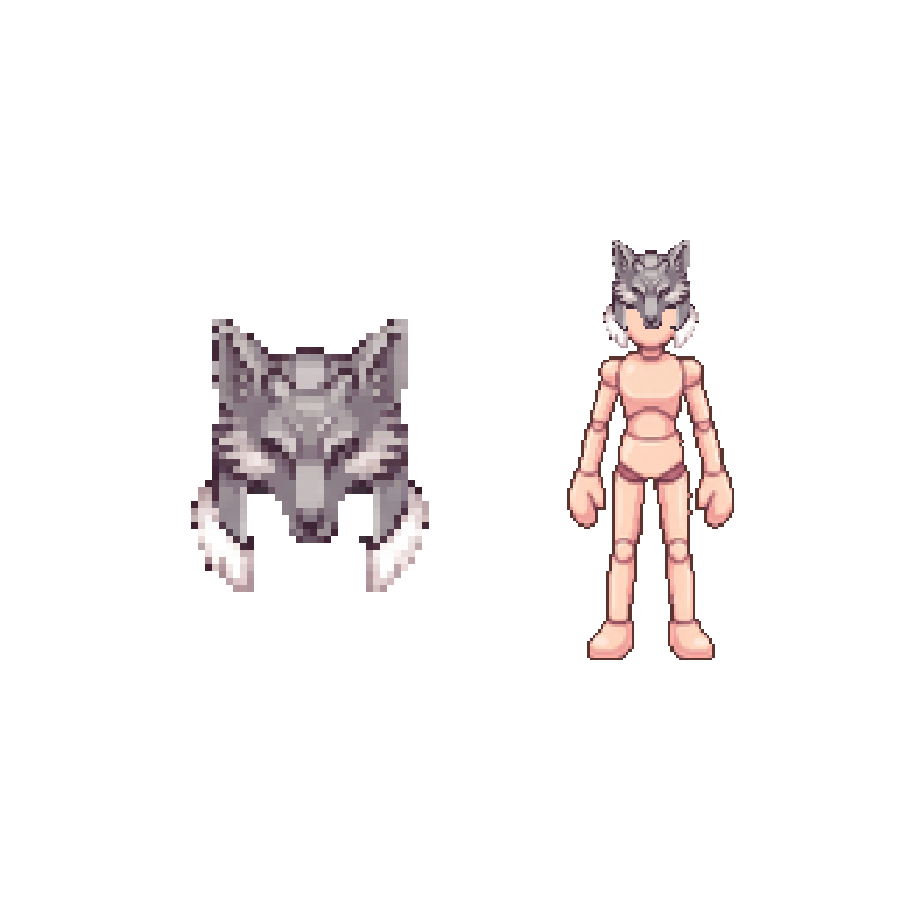
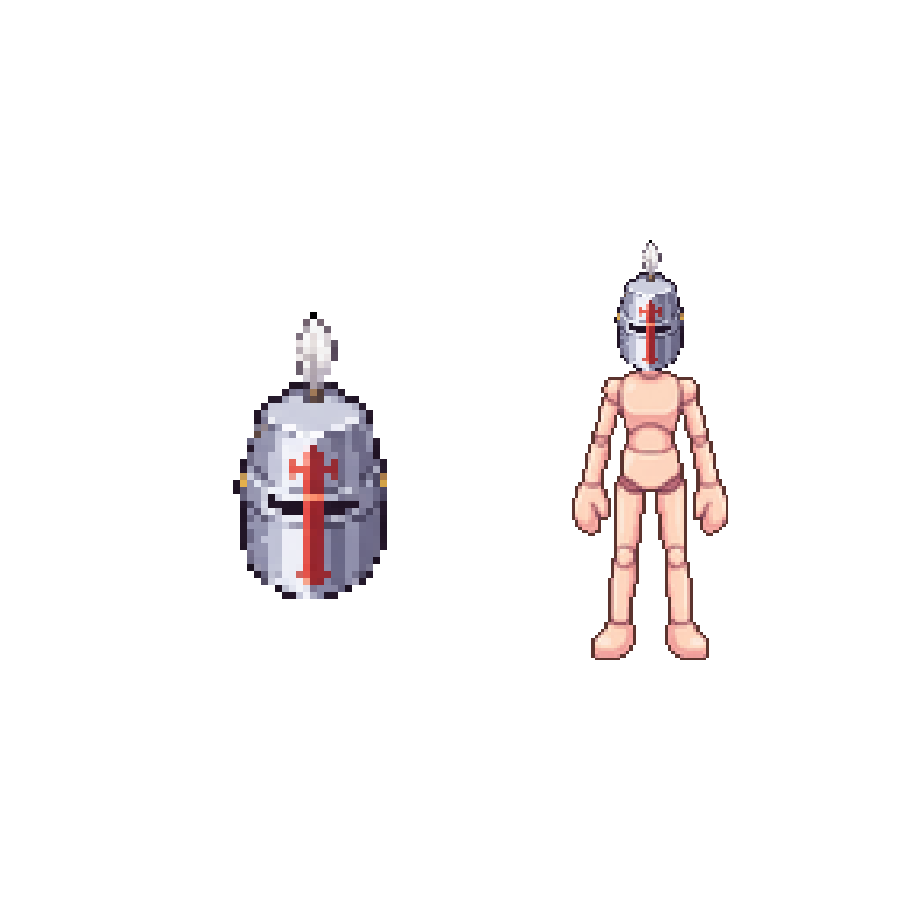
For critical project elements—such as building clean maps and seamlessly connectable tilesets—relying exclusively on AI can lead to days of manual corrections. In fast-paced projects, using consistent, production-ready assets like sprite packs, rigged monsters, and modular tilesets crafted by human artists saves massive amounts of time and guarantees structural stability so you can focus on core gameplay programming.
Step 4: Testing, Balancing, and Refactoring
Once the gameplay loop is playable, AI becomes useful again for proposing balancing formulas (such as XP curves and damage scaling) based on data gathered from playtests.
Real Bottlenecks and Limitations of AI in Games
Despite industry hype, artificial intelligence runs into severe technical constraints that every game developer must factor into their schedule:
Style Inconsistency and 2D Animation
The primary bottleneck in 2D is frame-to-frame inconsistency. Generative AI does not understand temporal anatomy: attempting to create a walk cycle with independently generated sprites leads to warping clothes, shifting proportions, and unstable lighting. For pixel art and fluid frame-by-frame animation, human control remains irreplaceable.
Topology and 3D Model Optimization
Text-to-3D AI tools usually produce meshes unsuited for real-time rendering: chaotic topology with millions of irregular polygons, broken UV layouts, and no clean skeleton rigging. Cleaning up these assets in Blender often takes longer than modeling from scratch or starting from an optimized, LOD-ready base mesh.
Legal Risks and Store Policies
Platforms like Steam require developers to disclose any AI-generated content in their games, whether code, audio, or art. Furthermore, copyright uncertainties surrounding AI training data remain unresolved. A game built entirely on raw automated outputs risks store rejection or intellectual property disputes.
Balancing Innovation with Practical Efficiency
Building an engaging commercial indie game requires sound technical judgment. Artificial intelligence is a formidable ally for conquering the blank page, tackling algorithmic puzzles, and sparking creative visual directions. However, the player experience hinges on cohesive rules, responsive controls, and visual harmony—areas where human curation, taste, and planning remain the true cornerstones of success.
To ship your project without blowing your production timeline, use AI where it is fast and reliable, delegate secondary logic, and lean on proven technical assets whenever visual and functional precision is non-negotiable.