How to Prototype Game Characters and Items with AI
· #game development #generative ai #prototyping #game design #2d assets
Discover how to integrate generative AI tools into your development workflow to create quick drafts of game characters, monsters, and items.
The development of an indie game involves a constant balance between time, budget, and creativity. In the initial phase of a project, quickly visualizing heroes, creatures, and inventory items is essential to validate ideas before investing weeks of work into the final art. It is exactly in this scenario that generative AI has become an indispensable ally for game designers and solo developers.
By using AI to create visual drafts and explore aesthetic variations, you can test different conceptual directions in just a few hours. However, turning algorithm-generated images into functional assets requires a structured workflow. In this practical guide, we will detail how to use generative AI to prototype characters, monsters, and items, highlighting its benefits and limits in game development.
The Role of Generative AI in the Conceptualization Phase
The greatest strength of generative AI tools in gamedev is not in delivering final files ready for animation, but rather in accelerating the concept art process. Traditionally, creating dozens of sketches to define the protagonist's appearance or a monster's silhouette required days of manual illustration.
With well-structured prompts, it is possible to explore radically different art directions in moments. Want to test whether your RPG works better with a cyberpunk pixel art aesthetic or a dark fantasy digital painting style? AI allows you to generate visual reference options for the team to discuss before drawing the first definitive line.
Furthermore, this rapid prototyping helps define the color palette and emotional tone of your game's universe. By presenting clear conceptual images to the team or the community during crowdfunding campaigns, aligning expectations becomes much simpler.
Practical Steps to Visually Prototype Assets
To get useful results when generating conceptual images, you need to treat the AI tool as an assistant that follows specific technical guidelines. Below are the steps to prototype different elements of your game.
1. Defining Structured Prompts for Characters
When requesting character images, avoid generic terms like "epic game warrior." Instead, provide functional game design details, including the viewing angle and intended art style.
- Define perspective: specify whether you need a side-scroller, isometric, or top-down view.
- Specify the visual style: include terms like "16-bit pixel art," "hand-drawn 2D vector," "dark fantasy concept art," or "low-poly 3D render style."
- Request neutral backgrounds: always ask for a solid or transparent background (e.g., "isolated on solid white background"). This facilitates quick cropping for testing in the game engine.
2. Creating Monster and Enemy Variations
Monsters require striking silhouettes so the player recognizes them immediately on screen. You can use AI to generate thematic variations of the same enemy type.
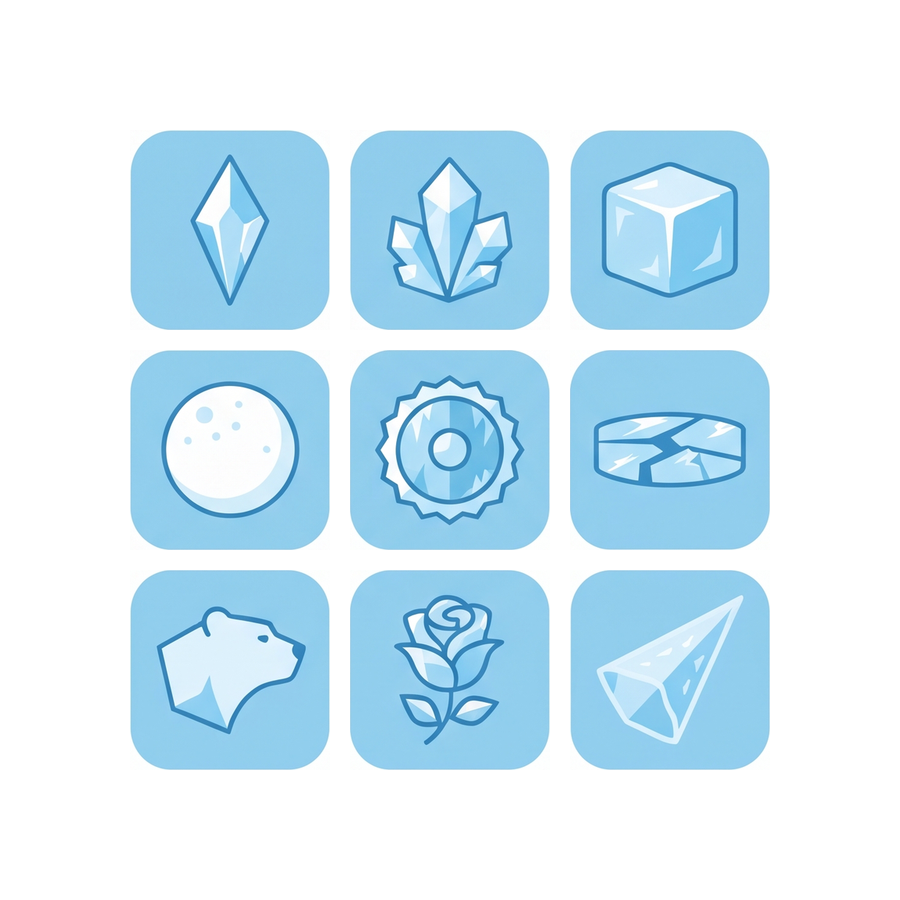
For example, when defining the mechanics of a basic monster (like a golem), generate element variations: an ice golem, a lava golem, and a moss golem. Analyze which silhouette best conveys the hitbox and attack behavior before producing the final models or sprites.
3. Generating Icons and Inventory Items
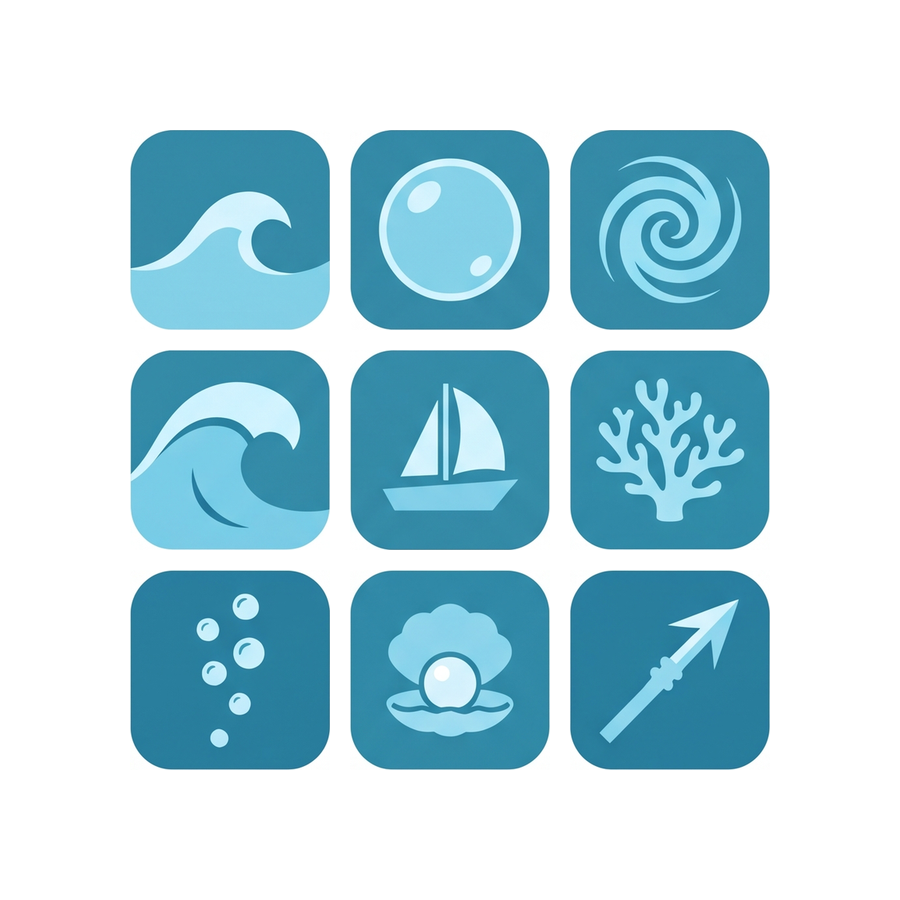
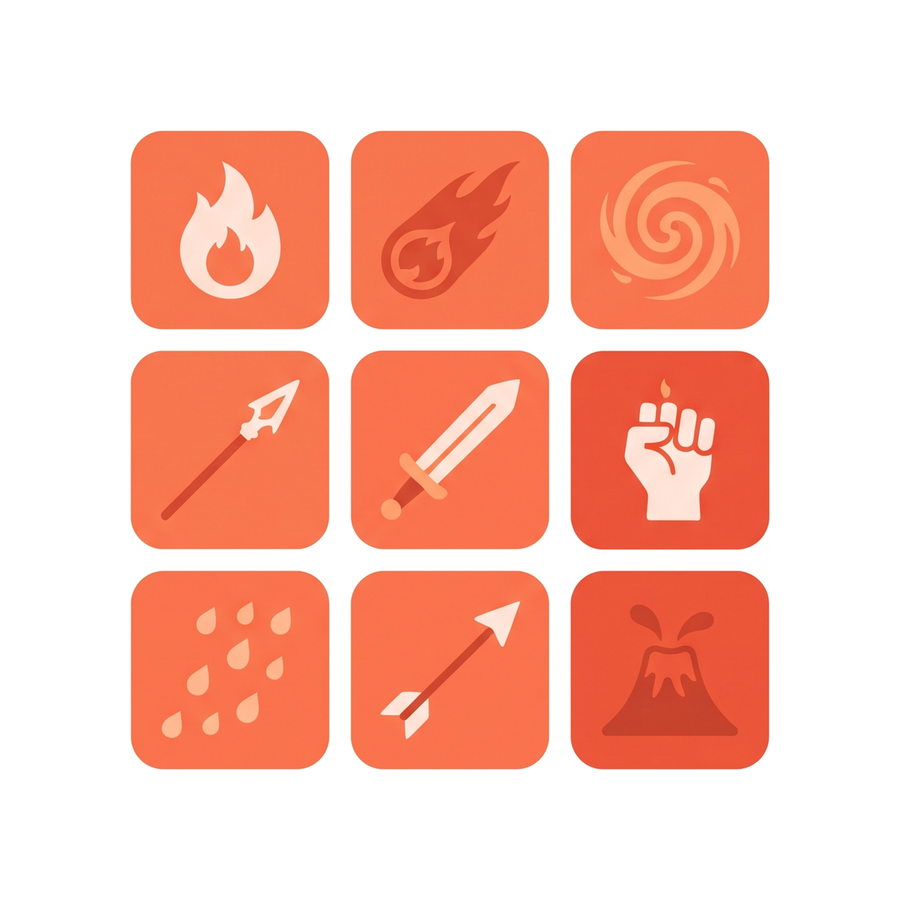
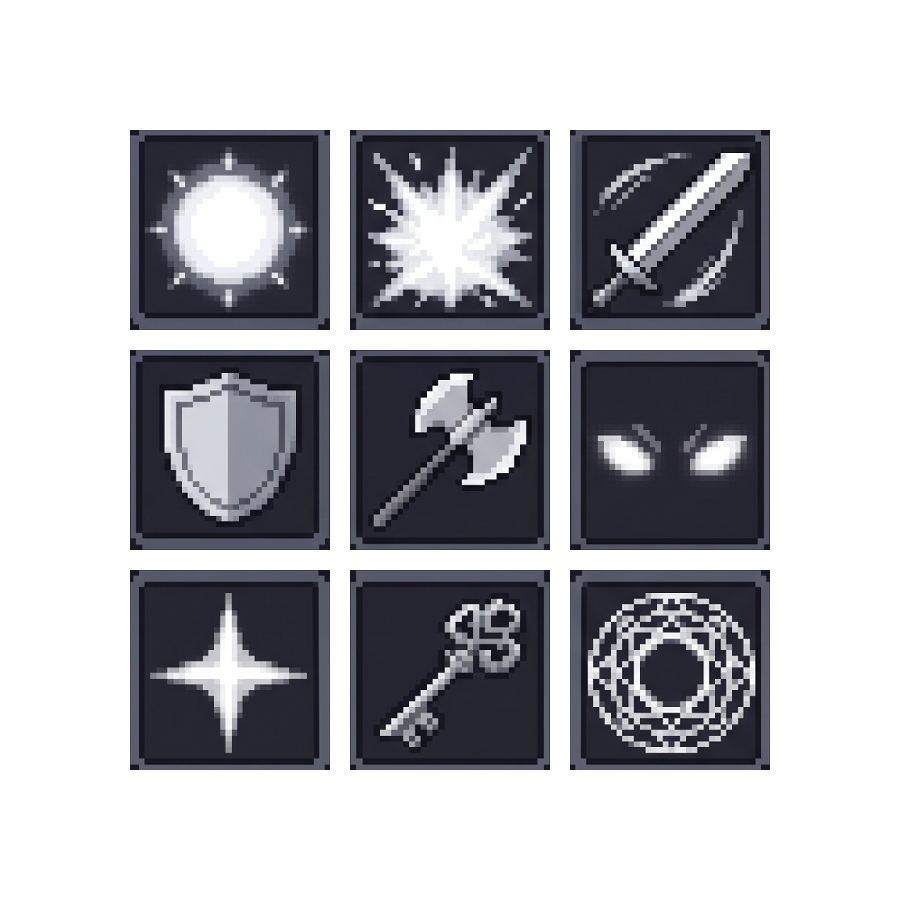
Items like potions, weapons, keys, and equipment usually have a simpler visual structure than animated characters. This makes item prototyping one of the most efficient tasks with generative AI.
To maintain inventory consistency:
- Define a standard frame or lighting in the prompts.
- Generate batches of similar objects (e.g., "set of 9 magic potion icons, RPG inventory style").
- Use automatic background removal tools to save the icons individually as PNG files.
Realistic Limitations and the Consistency Challenge
Apesar da agilidade no conceito (Despite the agility in concept) — wait, translating everything properly — Despite the conceptual agility, generative AI faces major technical limitations in the traditional game production workflow:
- Lack of precise sprite sheets: AI rarely manages to generate perfectly aligned or frame-by-frame coherent animation frames.
- Detail inconsistency: Keeping the same clothes, scars, or character proportions in different poses and angles is extremely complex.
- Absence of rig and topology: For 3D games, AI-generated 2D images still need to be completely modeled, retopologized, and rigged by a 3D artist.
This is where the strategic decision in indie development comes in. Using AI to validate the idea in the game engine is great, but when it's time to build the final game, the search for technical consistency speaks louder.
In this transition between prototype and production, relying on ready-made asset packs — such as vectorized 2D sprites, complete tilesets for map building, and optimized 3D models — saves hundreds of hours of repetitive work. Professional assets already come organized in texture atlases, with ready animations and perfect grid alignment, eliminating the headaches of random procedural generation.
Testing Proportions and Mechanics in the Game Engine
As soon as you have your cropped visual drafts, the next step is to bring them into your preferred game engine, such as Godot, Unity, or Unreal Engine. The goal here is not aesthetic perfection, but functional validation.
- Quickly import concepts: Place the character or monster image as a temporary sprite in the graphic engine.
- Adjust colliders: Build the hitboxes and hurtboxes based on the generated proportions.
- Evaluate scene readability: Check if the monster stands out from the scenery or if the colors of the item on the ground disappear in the stage lighting.
By testing the prototype with the applied drafts, you will find out if the character's scale is too big for the camera or if the enemy's silhouette confuses the player during combat. Making these corrections in the prototype phase avoids redoing expensive and complex final art in the future.
Conclusion: The Ideal Balance in the Indie Workflow
Generative AI has revolutionized the ideation stage in game development, allowing independent creators to test visual concepts of characters, monsters, and items in record time. However, it should be seen as a sketching and initial exploration tool, not as an immediate substitute for game art engineering.
The most efficient workflow combines the best of both worlds: use AI to get ideas and quickly test proportions; go through image editors to make conceptual adjustments; and, for building the final version of the game, integrate high technical quality ready-made assets or produce standardized manual art. With this balance, you accelerate your project without giving up the polish and visual consistency that guarantee your game's success in the market.