Steam Wishlists: How to Attract Players & Launch Your Indie Game
· #game marketing #steam wishlists #indie game launch #indie game dev #game assets
Learn how to optimize your Steam store page, build qualified wishlists, and plan a successful launch for your indie game.
The indie game market is vibrant, dynamic, and extremely competitive. Every day, dozens of new titles land on digital platforms, making visibility one of the biggest challenges for any indie developer. Creating a fun and functional experience isn't enough; knowing how to present your project to the world is crucial. On Valve's store, the primary driver of a game's commercial success is accumulating wishlists.
The Strategic Importance of Steam Wishlists
To understand how visibility works on Steam, you need to comprehend the logic behind the platform's algorithm. A wishlist doesn't just act as a bookmark for players to remember your title later; it serves as a direct signal to the platform that there is genuine demand for your product.
When a user adds your game to their wishlist, a series of automated triggers are set off:
- Automated notifications: Players receive an email directly from Steam at launch and whenever the game enters relevant sales (discounts of 20% or more).
- Algorithmic boost: The higher your daily conversion rate and total active wishlists, the higher the chances of your game organically featuring in high-traffic sections like "Popular Upcoming" or "Top Releases."
- Sales predictability: Generally, the average conversion rate during launch week ranges between 5% and 15% of total accumulated wishlists. This means reaching a goal of 7,000 to 10,000 wishlists prior to launch is a game-changer for securing front-page visibility on release day.
How to Build a High-Converting Steam Page
One of the riskiest decisions a developer can make is waiting until the game is nearly finished before putting up the store page. Ideally, your Steam page should be live 6 to 12 months before your planned launch. However, launching an incomplete or visually unappealing storefront can push potential buyers away on first contact.
1. Capsule Art
Your main game images (Header Capsule and Main Capsule) are the first point of contact in store searches. They must immediately convey the genre, tone, and quality level of your game. A confusing or low-resolution image drastically reduces your click-through rate (CTR).
2. The Hook and Short Description
The short description (located in the top-right corner of your store page) should summarize your gameplay's unique value proposition (hook) in a few engaging sentences. Why should a player care about this title over hundreds of others? Answer that question clearly.
3. Visual Demos and GIFs in the Main Description
Your detailed description should be visually rich. Instead of long blocks of text, use high-quality animated GIFs (preferably under 5 MB each) showcasing your game's most exciting mechanics right in the first few seconds of reading.
4. Relevant Screenshots
Screenshots should focus on actual gameplay. Avoid static menu screens, title cards, or concept art that don't reflect the player experience. Show detailed environments, dynamic combat, and clean UIs.
To ensure a polished presentation right at page launch without blowing your budget, many indie studios use a strategic approach: leveraging high-quality premade assets. Using polished 2D sprites, well-optimized 3D models, and professional tilesets saves hundreds of hours in initial art production. This lets you build captivating trailers and store graphics much earlier in the development cycle, allowing your team to focus on core programming and game design balancing.
Practical Strategies to Attract Players and Build Hype
With your Steam page live, your main focus shifts to driving qualified traffic to it. Building an engaged audience before launch requires working across multiple channels simultaneously.
Participating in Steam Next Fest
Steam Next Fest is currently one of the highest-impact opportunities for indie studios. The festival lets players explore thousands of free demos for a week. To stand out:
- Offer a short, polished demo free of critical bugs.
- Ensure the demo teaches basic mechanics quickly and ends on an exciting cliffhanger.
- Host live streams on your store page to interact with viewers and answer questions in real time.
Content Strategy and "Build in Public"
Sharing your development process on social media (such as TikTok, X/Twitter, YouTube, and Reddit) helps attract enthusiasts who love behind-the-scenes game development content. Short videos highlighting problem-solving, lighting comparisons, funny physics bugs, or visual evolution tend to generate far more engagement than traditional promotional posts.
Content Creator Outreach
Identify small-to-medium Twitch streamers and YouTubers who regularly play games in your genre. Reach out via email with personalized messages offering early access press keys. Make creator coverage easy by providing a comprehensive press kit with logos, high-res screenshots, and key game details.
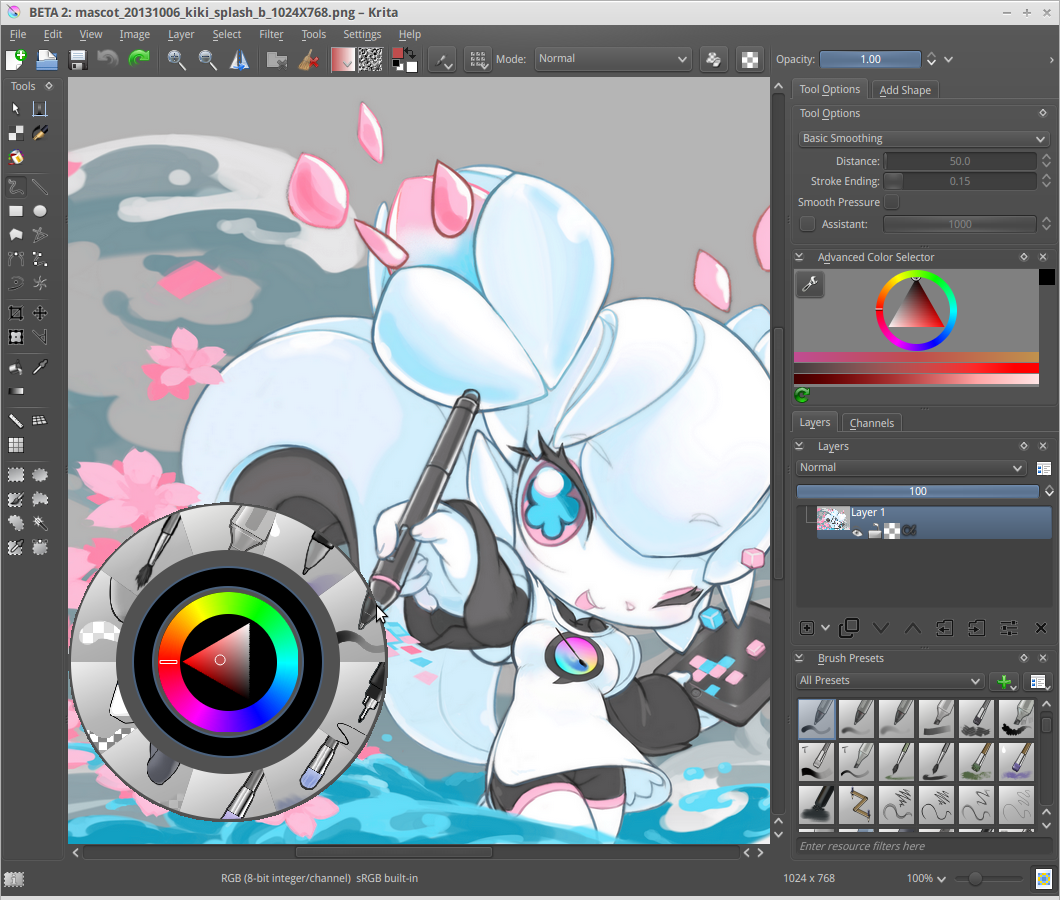 Designing high-converting capsule art and promotional banners. — Image: Tyson Tan · CC BY-SA 3.0 · Wikimedia Commons
Launch Day Planning
Launch day is the climax of your marketing journey. Careful planning prevents technical hiccups and maximizes your project's initial revenue.
- Date Selection: Avoid dates overlapping with major Steam seasonal sales (like the Summer or Winter Sale) or AAA launches in similar genres.
- Launch Discount: Offering a modest discount (between 10% and 15%) during the first 7 to 14 days incentivizes wishlist holders to buy immediately, fueling the early sales volume that drives the store algorithm.
- Direct Community Communication: Post an official announcement on the Steam Community Hub the moment the game unlocks, send newsletters to your subscriber list, and update your studio's official Discord channels.
- Monitoring and Rapid Support: Keep a close eye on community discussion forums and initial reviews. Releasing quick hotfixes within the first 24 hours shows respect for players and helps maintain a "Very Positive" review score.
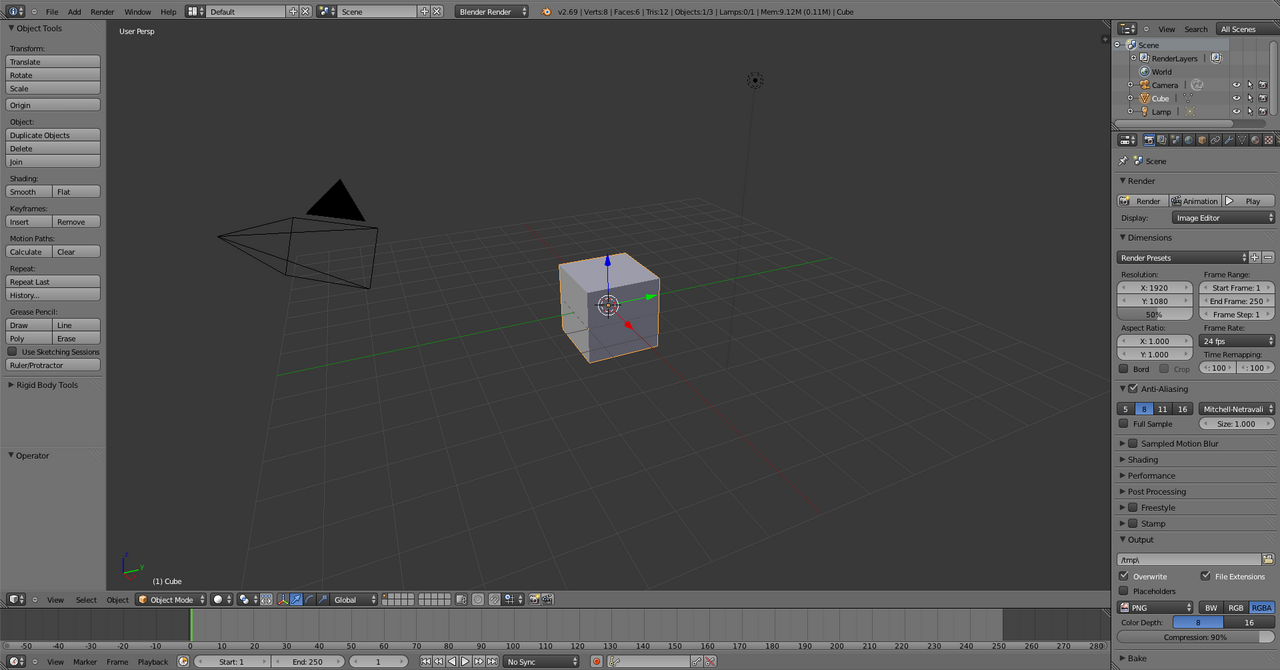
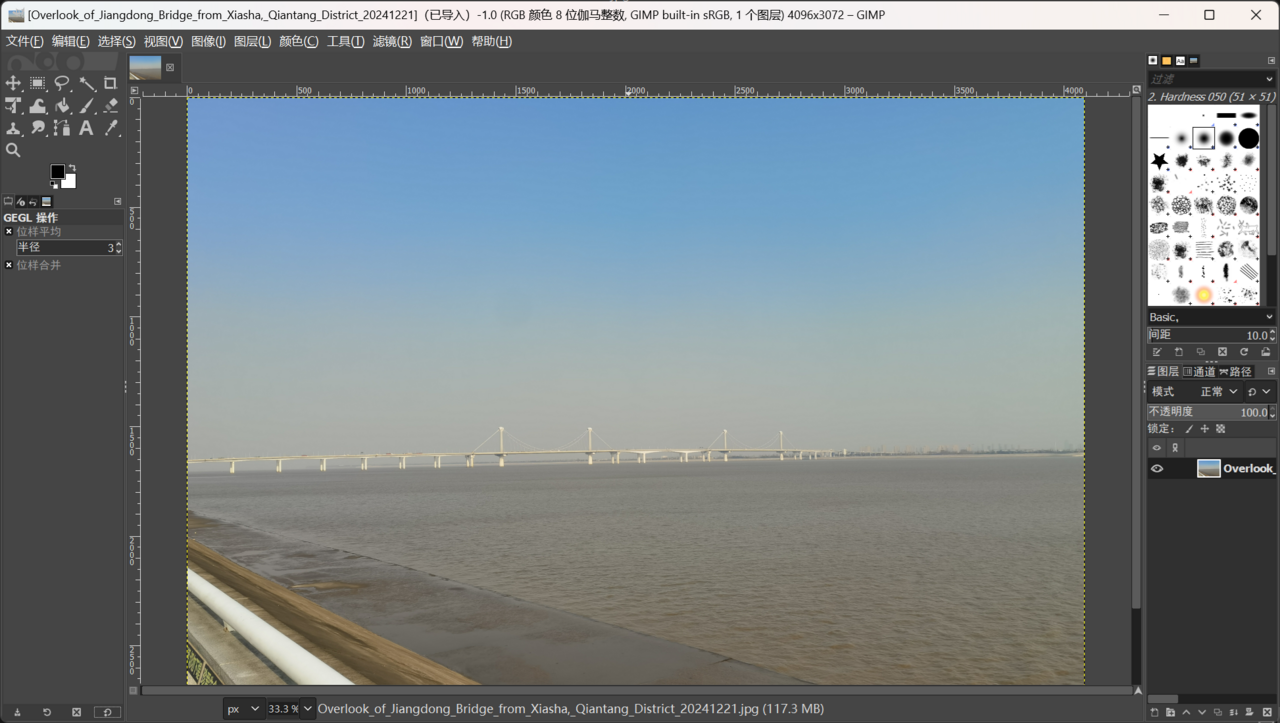 Editing screenshots and dynamic GIFs for your Steam store presence. — Image: GIMP Group · CC BY 4.0 · Wikimedia Commons
Conclusion: Marketing Starts Long Before Release
Promoting an indie game isn't a task for the final week before launch; it's an ongoing process of active listening, community building, and visual refinement. By pairing a polished Steam page with the smart use of premade assets to accelerate visual delivery, you free up the time needed to focus on polish and marketing. Plan each phase in advance, nurture your relationship with your player base, and turn your wishlist count into the cornerstone of your commercial success.